
Users
Manage who can sign in to Promineo and what they're allowed to do — and connect each login to the person they are.
Manage who can sign in to Promineo and what they're allowed to do — and connect each login to the person they are.
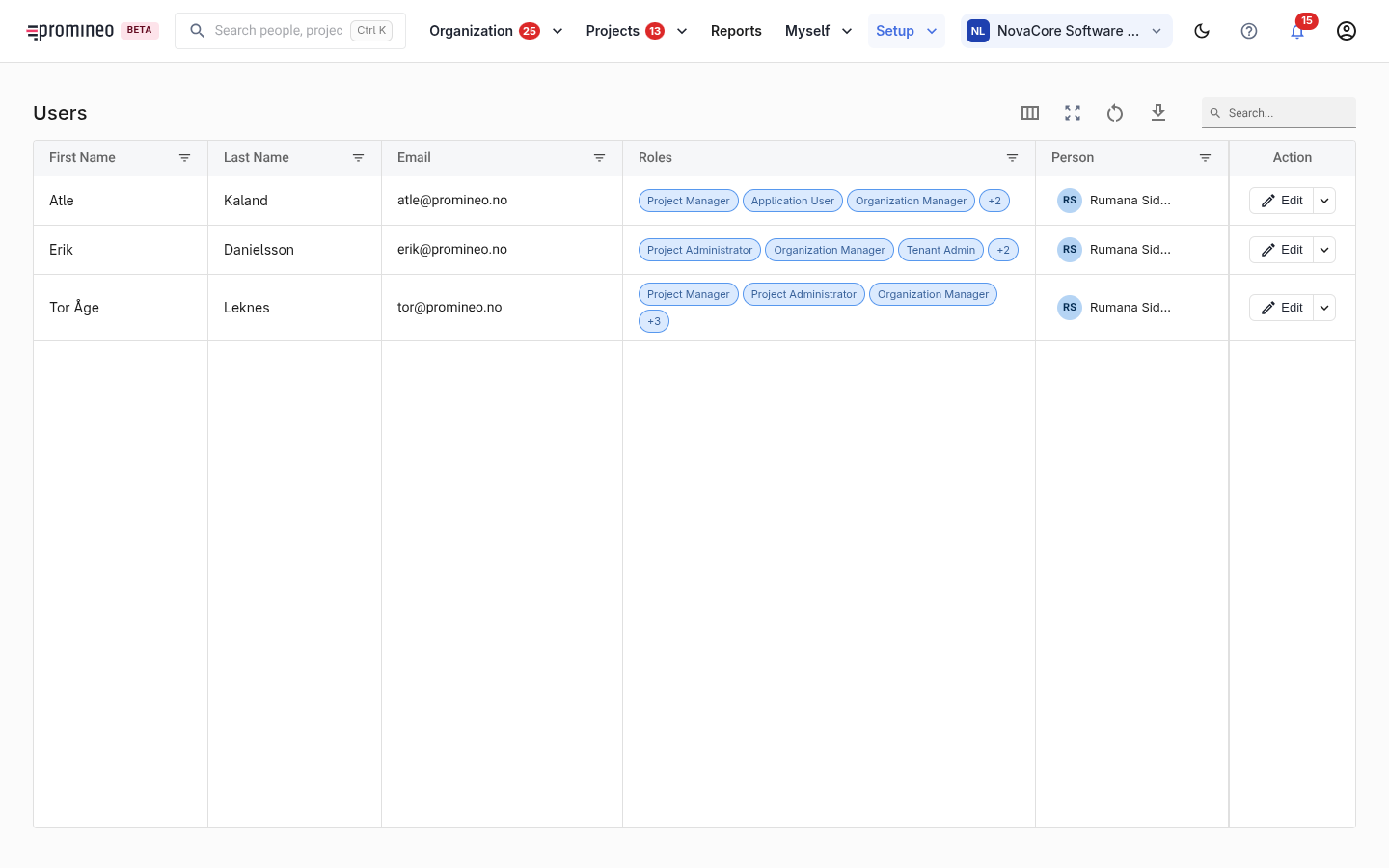
What you see
Each row is a user account: name, email, the application roles they hold, and the person record they're linked to. Edit opens an account to change its roles or link.
Roles decide access
A user's roles — for example Project Manager, Project Administrator, Organization Manager, Tenant Owner, Application User — decide which parts of the app they see and can change. A standard employee only needs access to Myself; managers and admins get Organization, Projects, Reports, and Setup. Authorization is enforced by the backend, so roles here are the source of truth for what a user can actually do, not just what they see.
Why the person link matters
Linking a user account to a person record is what ties a login to that individual's assignments, Availability, and Time Off — it's how "Myself" knows whose data to show. Create accounts for the people who need to sign in, give each the roles their job requires (least privilege — don't hand out admin roles by default), and link them to the right person.