
Notification settings
Control, tenant-wide, which events Promineo notifies people about — and edit the message templates.
Control, tenant-wide, which events Promineo notifies people about — and edit the message templates.
What you see
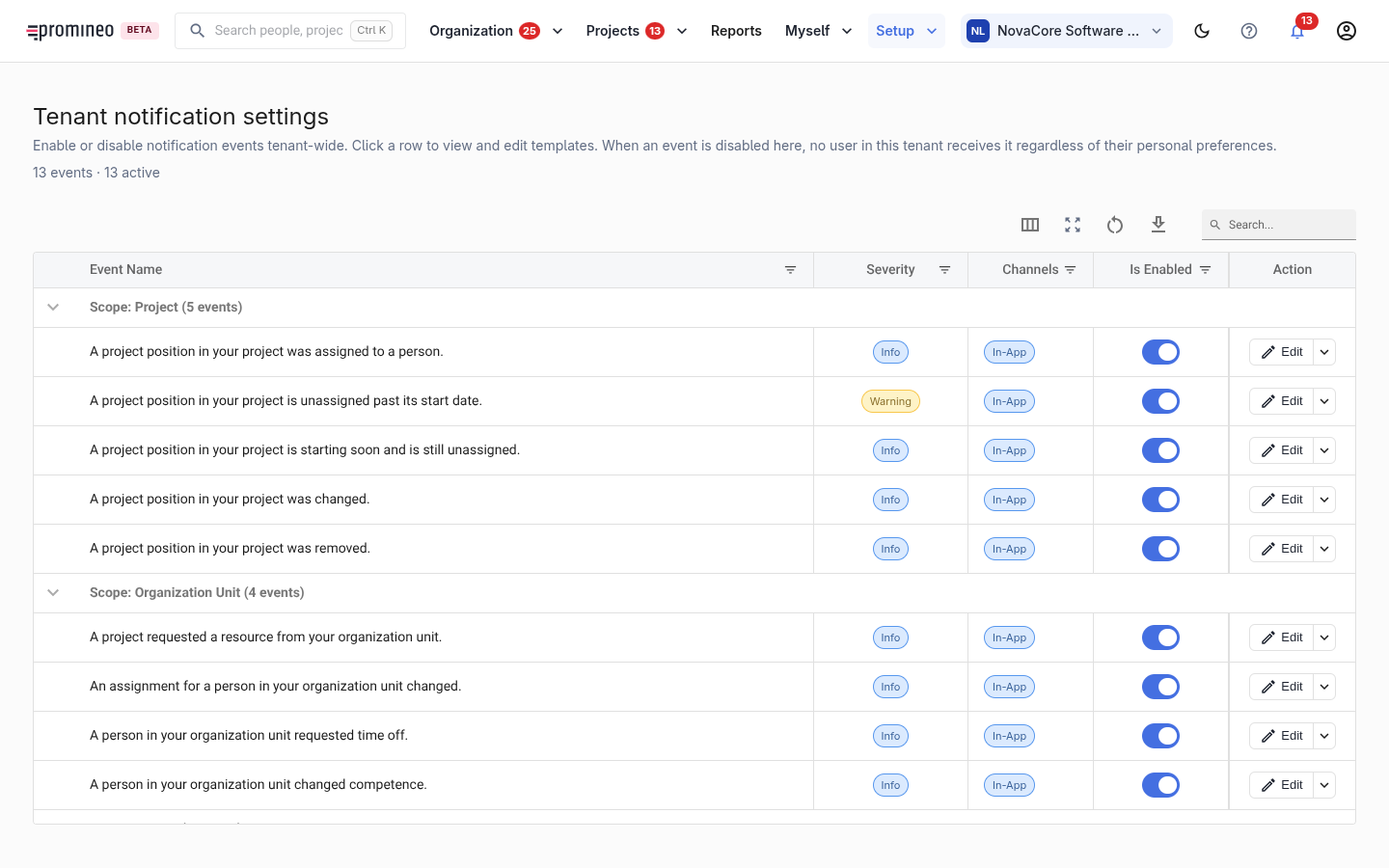
Events are grouped by scope — Project, Organization Unit, and so on — for example "A project position in your project was assigned to a person" or "A person in your organization unit requested time off". Each event shows its severity (Info, Warning), its delivery channels (e.g. In-App), and an enabled toggle. Click a row to view and edit its template; Edit opens the same.
Why it matters, and how to use it
This is the tenant-wide master switch. When an event is disabled here, no user in the organization receives it, regardless of their personal preferences — so it's the right place to turn off noise that doesn't fit how your organization works, or to confirm the important events (an unfilled Project Position going overdue, a Time Off request needing a decision) are switched on. Individual users then tune their own preferences within what you allow here.