
Access Tokens
Issue tokens that let external systems and integrations call Promineo's API on your organization's behalf.
Issue tokens that let external systems and integrations call Promineo's API on your organization's behalf.
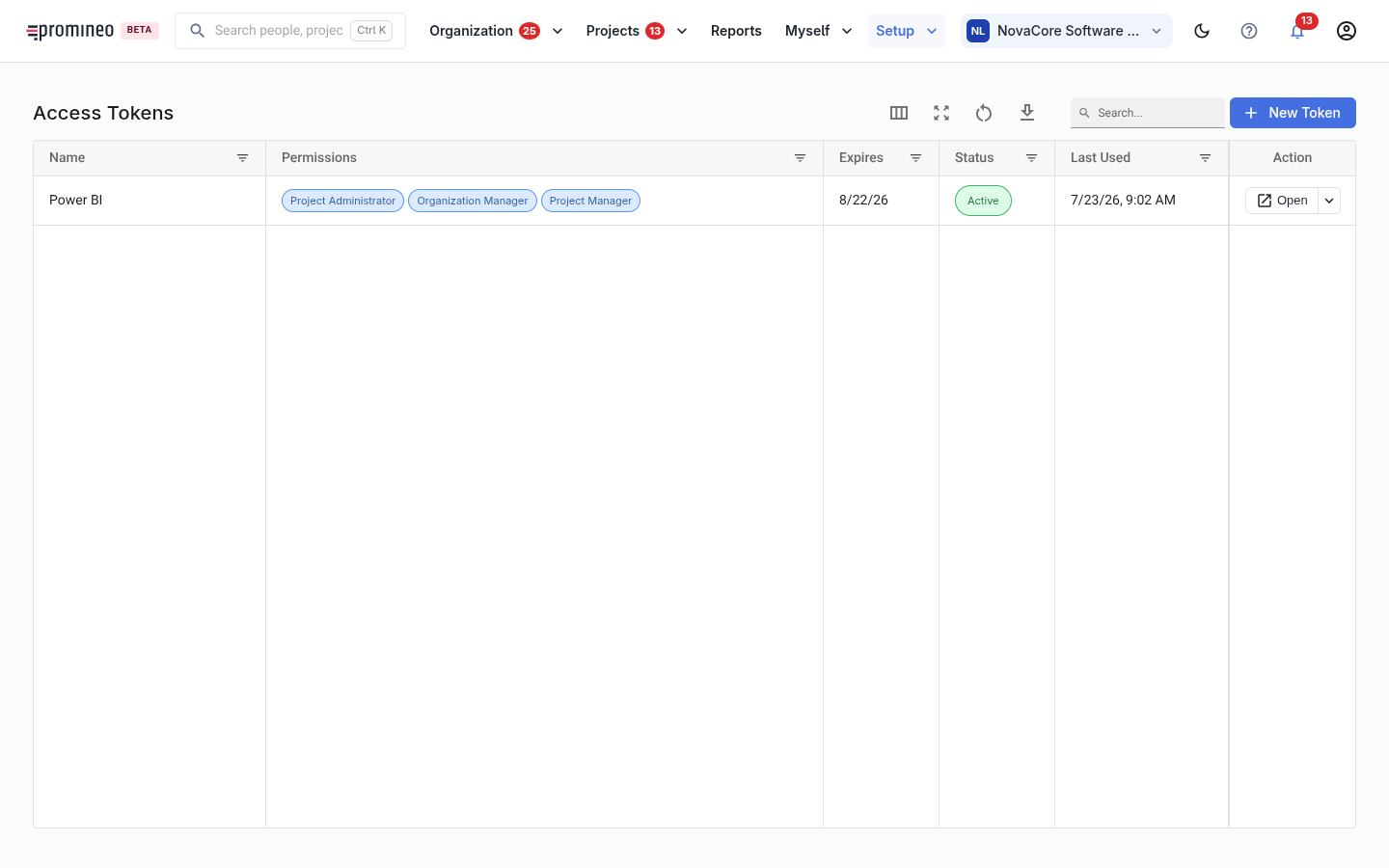
What you see
Each row is an access token: its name, the permissions it grants, when it expires, its status, and when it was last used. New Token issues a new one. The list is empty until you create your first token.
Why it matters, and how to use it
People sign in as users; machines authenticate with an access token. Tokens are how an integration — a source of projects, a BI pipeline, an automation — talks to Promineo without a human logging in. Treat them like passwords: grant each token only the permissions it needs, set an expiry, give it a name that says what it's for, and revoke any that's no longer used or may be exposed. The last used column helps you spot tokens that are safe to retire.