
Managing projects
The master list of projects — the containers that demand is planned against. Keep their type, status, and dates correct so reporting and routing stay accurate.
The master list of projects — the containers that demand is planned against. Keep their type, status, and dates correct so reporting and routing stay accurate.
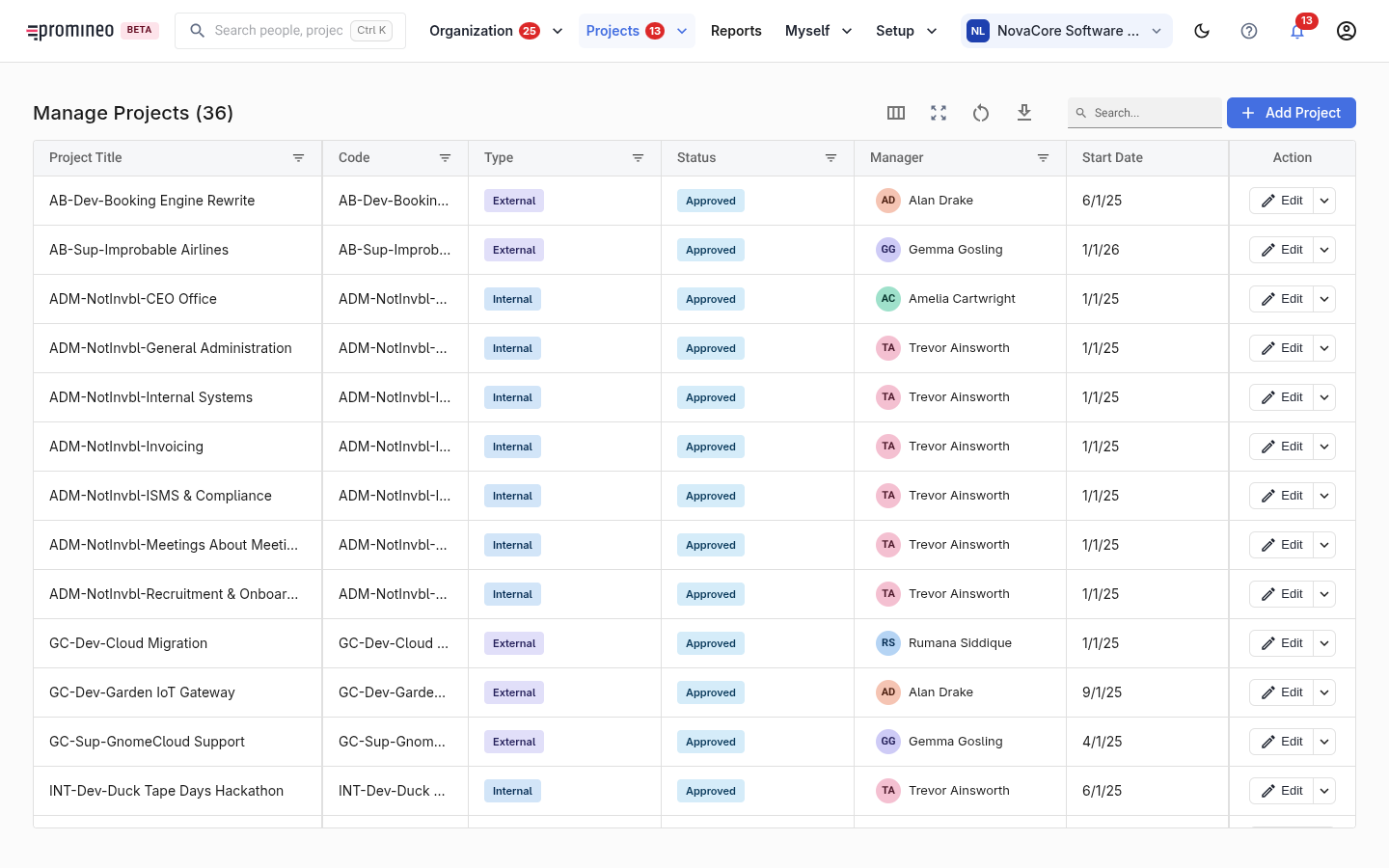
What you see
Each row is a project: its code, title, type (Internal, External, pipeline, or Overhead), status, manager, and start date. Add Project creates one; Edit opens a project to change its properties. Projects often arrive from an integration, so day-to-day this screen is mostly about keeping their key properties current.
Why type and status matter
Every project belongs to a type and a status, and these aren't just labels — they drive analysis. Reports can stack workload by project type or status (see Availability vs Workload), so a mis-typed project distorts the picture of where demand is going. Keeping the project's overall date range honest also matters: it should bracket the planned work captured as Project Position.
How to use it
Maintain the list so every real project is present with the right type, status, and dates. The actual demand — who and how much — is not entered here; it lives on Project Position, one level down from the project.