
Managing people
The register of everyone you plan and assign — their organization unit, working calendar, and when they became available.
The register of everyone you plan and assign — their organization unit, working calendar, and when they became available.
What you see
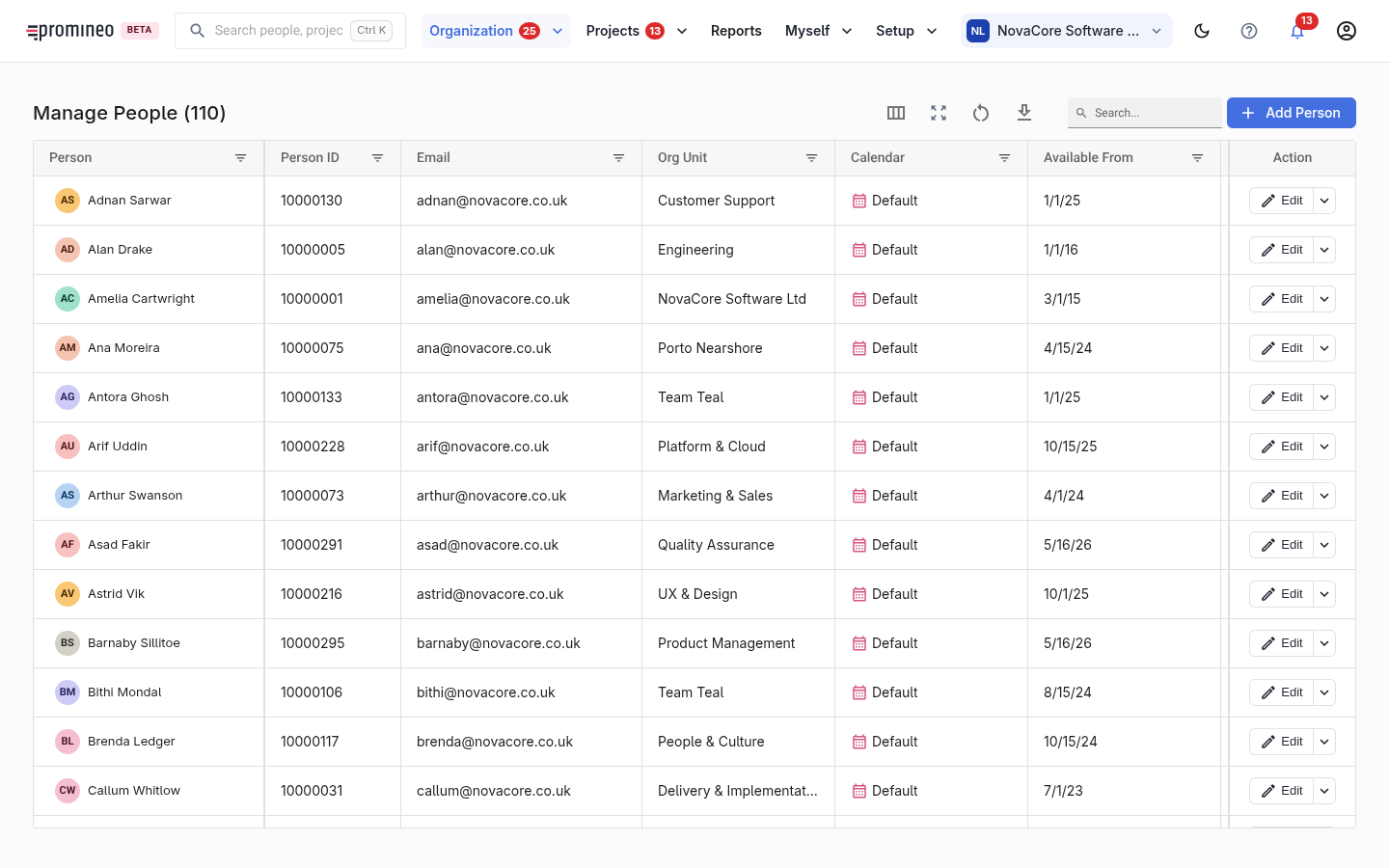
Each row is a person. The grid shows their person ID, email, the organization unit they belong to, their working calendar, and the date they became available. People can be any employment type — regular employee, consultant, external resource, student, and so on. Add Person registers someone new; Edit opens a person to change their details.
Why it matters
People are the supply side of Promineo. A person only becomes plannable once they are in this list, tied to an organization unit and a calendar — those two facts drive their Availability and decide which project requests can reach them. Without a unit, a person can't receive work routed by Project Role; without a calendar, Promineo can't work out how much of their time is available.
How to work with it
Add each person, connect them to the organization unit they work in, and give them a calendar (the default calendar is fine to start). From here you can open a person to manage their Availability and Competence. To decide who fills an open request, use People health and TBN positions; this screen is where you maintain the roster itself.